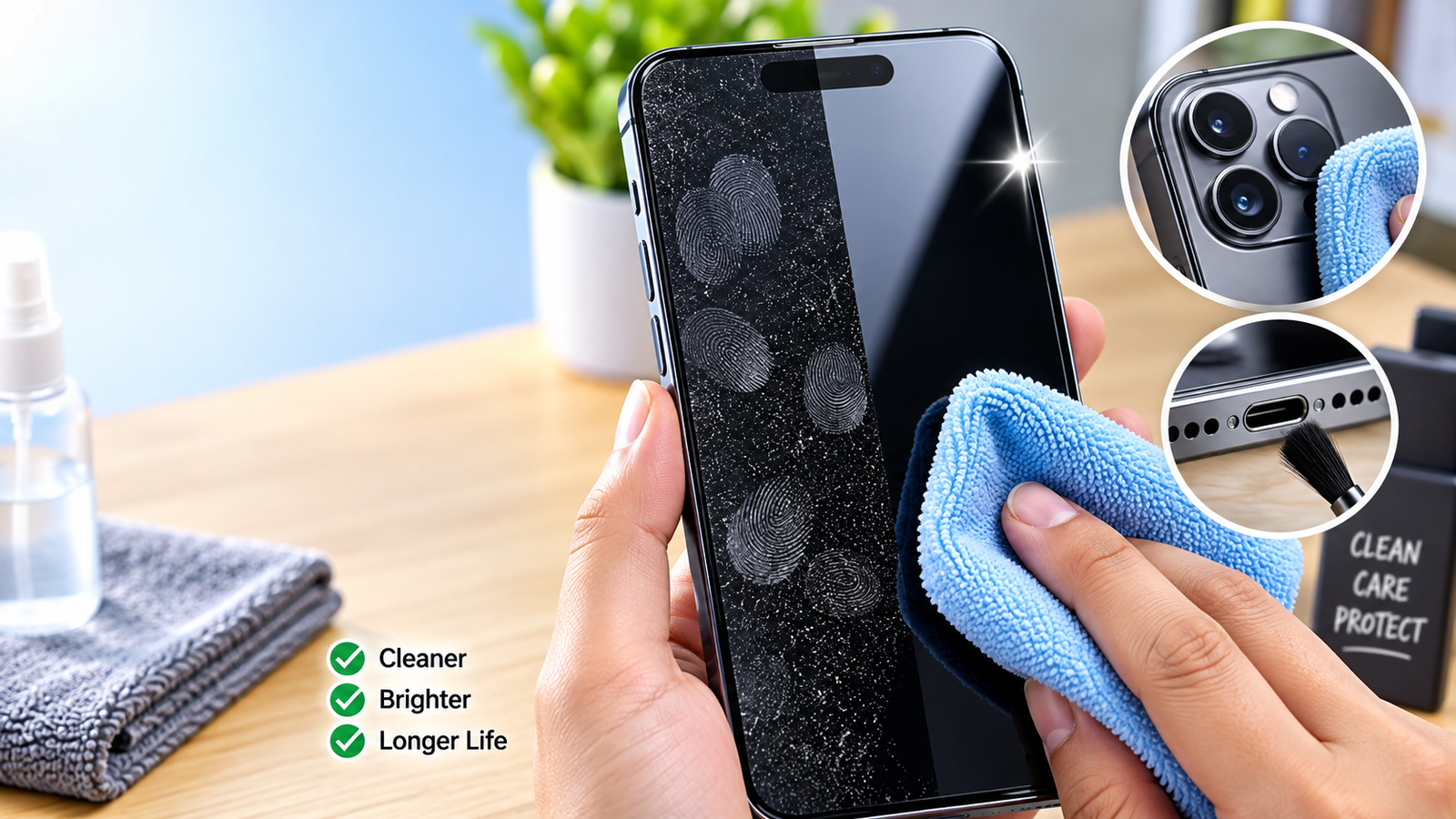
Your smartphone collects fingerprints, dust, oil and dirt every day — but cleaning it the wrong way can damage the screen, ports or other parts.
In this video, learn the safe and practical way to clean your smartphone, including how to clean the screen, camera, back panel, charging port, speaker and microphone areas.
We also cover common cleaning mistakes, microfiber cloth usage, moisture precautions, disinfecting vs ordinary cleaning, and why manufacturer-specific instructions matter.
Topics covered:
How to clean a smartphone safely
Best way to clean the phone screen
How to remove dust and fingerprints
Charging port cleaning precautions
Camera lens cleaning
Speaker and microphone cleaning
Common smartphone cleaning mistakes
Cleaning vs disinfecting
Weekly phone-cleaning routine
Always check your phone manufacturer's cleaning instructions before using any cleaning solution.
Online shopping is convenient, but checking a few important details before placing an order can help you make a more informed purchase.
In this video, we cover 10 practical things you should check before buying anything online — from product specifications and prices to customer reviews, seller information, return policies, delivery details, final costs, payment security, and order records.
### In this video:
• Check the complete product description
• Compare prices and specifications
• Read recent customer reviews
• Check seller information
• Understand the return and replacement policy
• Verify delivery details
• Check the final payable price
• Be careful with unusually low prices
• Use secure payment methods
• Save your order confirmation and invoice
Remember: smart online shopping is not only about finding the lowest price. Understanding what you are buying, who you are buying it from, the total cost, and the applicable return conditions is equally important.
This video is designed as a practical guide for everyday online shoppers and does not promote any particular shopping platform, seller, or product.
#OnlineShopping #ShoppingTips #TechTips #OnlineSafety #SmartShopping #ShoppingGuide #DigitalSafety

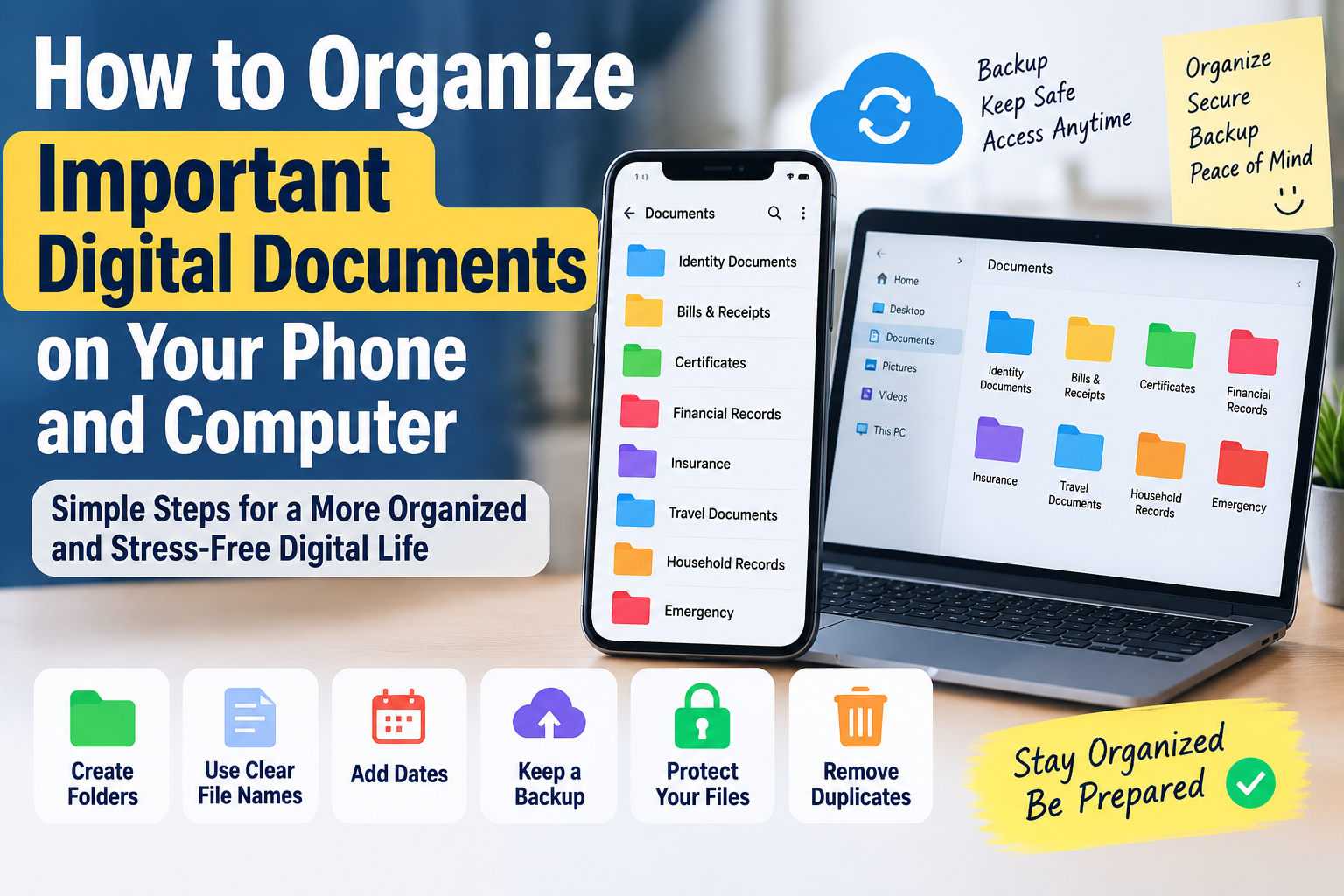
Keeping important digital documents organized can save time and prevent unnecessary stress when you need a file quickly.
In this video, we explain simple and practical ways to organize important documents on your smartphone and computer. Learn how to create useful folders, use clear file names, add dates, remove duplicate files, maintain backups, and protect sensitive documents.
We also cover practical tips for organizing identity documents, bills, receipts, certificates, insurance records, financial documents, travel documents, and other important household files.
### In this video:
• How to create simple document folders
• How to use clear and searchable file names
• Why adding dates can make documents easier to find
• How to keep important files backed up
• Ways to protect sensitive documents
• How to identify and remove duplicate files
• Tips for organizing documents on your phone
• Tips for organizing documents on your computer
• How to create an emergency document folder
A simple document organization system can make your digital life easier to manage and help you find important files when you need them.
#DigitalDocuments #FileOrganization #TechTips #DigitalLife #ComputerTips #PhoneTips #Productivity #OnlineSafety