Technology
UPI Autopay: How to Find, Pause, and Cancel Recurring Payments on Google Pay, PhonePe, and Paytm
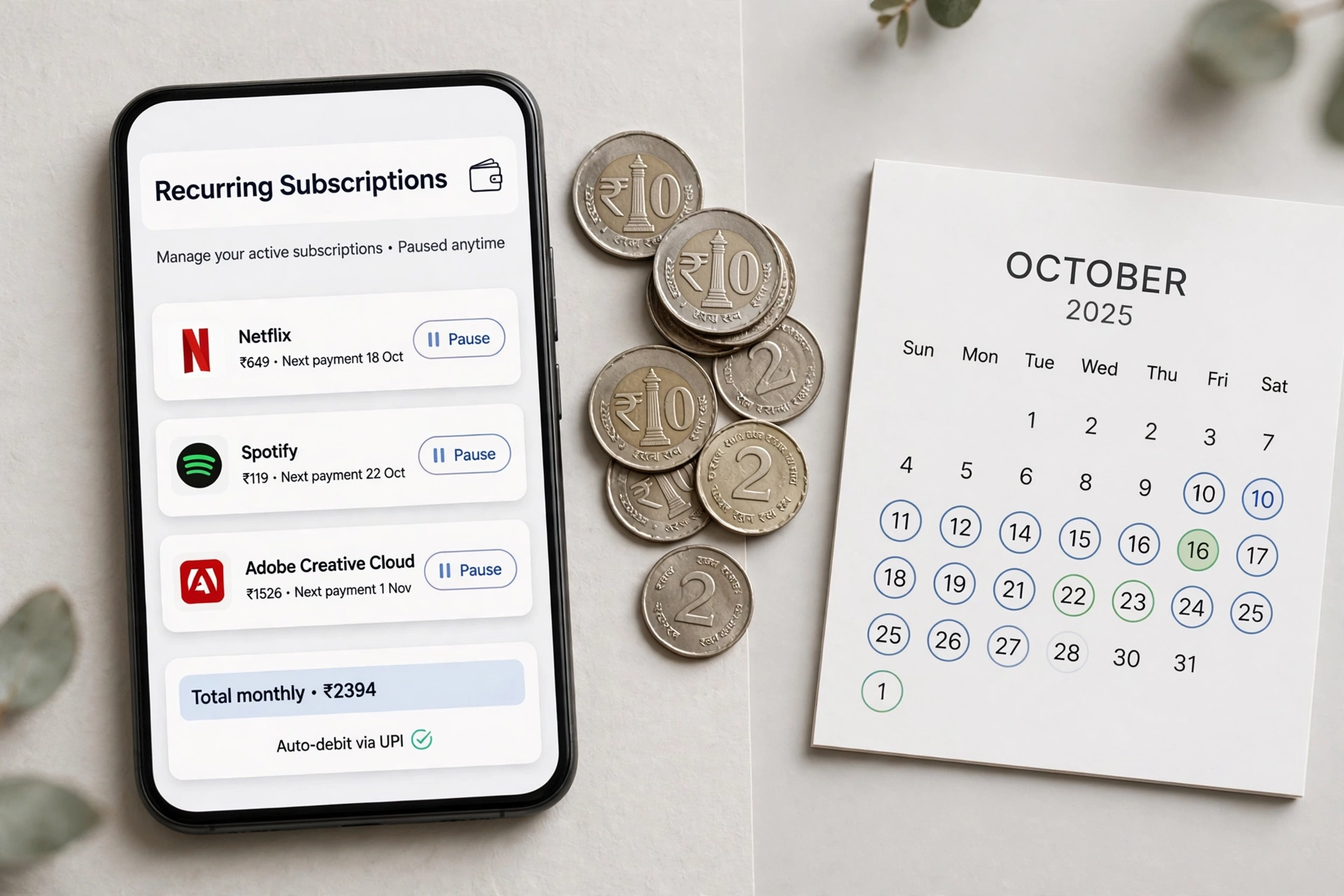
<p>You signed up for a free trial six months ago. The trial ended, the charges did not. Somewhere in your payment apps, a quiet autopay mandate is deducting ₹149, ₹299, or ₹999 every month for subscriptions you barely remember. UPI Autopay made recurring payments effortless — which is exactly why forgotten ones keep charging you.</p>
<p>This guide shows you how to find every active UPI autopay mandate and pause or cancel them, app by app: Google Pay, PhonePe, Paytm, and BHIM. Ten minutes of cleanup today can save you thousands over the year.</p>
<h2>What UPI Autopay Actually Is</h2>
<p>UPI Autopay (also called UPI 2.0 recurring mandates) lets apps deduct money automatically on a schedule — for OTT subscriptions, SIP mutual fund installments, insurance premiums, EMI payments, and even some utility bills. You approve it once with your UPI PIN, and it runs until you stop it. Unlike card auto-debit, there is no OTP each time, which is why mandates are so easy to forget.</p>
<p>Key fact: <strong>mandates live in the UPI app where you approved them</strong>, not in the merchant's app. Cancel Netflix inside the Netflix app and the mandate may still be active — always cancel at the UPI app level too.</p>
<h2>Google Pay: Find and Cancel Mandates</h2>
<ol>
<li>Open Google Pay and tap your profile picture (top right).</li>
<li>Go to <strong>Settings → Autopay</strong> (on some versions: <em>Payments & subscriptions → Autopay</em>).</li>
<li>You will see a list of active mandates with merchant name, amount, and frequency.</li>
<li>Tap a mandate to see details — next debit date, end date, maximum amount.</li>
<li>To stop it: tap <strong>Cancel autopay</strong> and confirm. The merchant is notified automatically.</li>
</ol>
<p>To <em>pause</em> instead of canceling (useful for seasonal subscriptions): some mandates offer a <strong>Pause</strong> option on the same screen. Paused mandates can be resumed without re-entering your UPI PIN.</p>
<h2>PhonePe: Find and Cancel Mandates</h2>
<ol>
<li>Open PhonePe and tap your profile icon (top left).</li>
<li>Go to <strong>Payment Settings → AutoPay / Manage Mandates</strong>.</li>
<li>The <strong>Active</strong> tab lists every live mandate.</li>
<li>Tap any mandate for details, then <strong>Cancel AutoPay</strong> (or Pause, if offered).</li>
<li>Confirm with your choice — cancellation is immediate.</li>
</ol>
<p>PhonePe also shows mandates under <strong>History → Mandates</strong> in older app versions. If you cannot find the menu, update the app first — PhonePe has moved this screen twice in two years.</p>
<h2>Paytm: Find and Cancel Mandates</h2>
<ol>
<li>Open Paytm and tap the profile/menu icon.</li>
<li>Go to <strong>UPI & Payment Settings → Automatic Payments</strong>.</li>
<li>Review the active mandates list.</li>
<li>Select a mandate and tap <strong>Delete / Cancel mandate</strong>, then confirm.</li>
</ol>
<p>Note: Paytm separates UPI mandates from wallet auto-add settings — check both if money keeps moving on its own.</p>
<h2>BHIM App: Find and Cancel Mandates</h2>
<ol>
<li>Open BHIM UPI and go to the main menu.</li>
<li>Tap <strong>UPI AutoPay / Mandates</strong>.</li>
<li>View active mandates and tap <strong>Revoke</strong> on any you want to stop.</li>
</ol>
<p>BHIM is also the fallback if you approved a mandate through a bank's own app — most bank UPI apps mirror the same Mandates screen.</p>
<h2>The 10-Minute Cleanup Routine</h2>
<p>Do this for every UPI app on your phone, once every three months:</p>
<ul>
<li>Open the mandates screen in each app and screenshot the active list.</li>
<li>For each mandate, ask: <em>did I use this service in the last 60 days?</em> If not, cancel it.</li>
<li>For keepers, check the amount and frequency — merchants sometimes raise prices silently.</li>
<li>After canceling in the UPI app, also cancel inside the merchant's app/website so you are not billed by another method.</li>
</ul>
<h2>Safety Rules for Autopay</h2>
<ul>
<li><strong>Never approve a mandate from an SMS link or unknown website.</strong> Real mandates are always created inside your UPI app or a merchant you trust, with your UPI PIN.</li>
<li><strong>Check the maximum amount</strong> before approving — a ₹99 subscription mandate might authorize up to ₹2,000. Set it as low as the merchant allows.</li>
<li><strong>Set calendar reminders</strong> for free-trial end dates. The trial-to-paid conversion is the #1 source of surprise charges.</li>
<li><strong>One UPI app for mandates.</strong> Approving subscriptions across four apps means checking four mandate screens. Consolidate.</li>
</ul>
<h2>FAQ</h2>
<h3>If I cancel the mandate, does my subscription stop immediately?</h3>
<p>The <em>payment</em> stops immediately. Your access usually continues until the end of the already-paid period. Always also cancel in the merchant's app to avoid account issues.</p>
<h3>Can a merchant restart a canceled mandate without my permission?</h3>
<p>No. A new mandate always requires fresh approval with your UPI PIN. If money is deducted after cancellation, raise a dispute in your UPI app immediately.</p>
<h3>What is the difference between pause and cancel?</h3>
<p>Pause suspends debits temporarily and can be resumed without re-authentication. Cancel ends the mandate permanently — restarting requires a fresh PIN approval.</p>
<h3>I see a mandate I never approved. What do I do?</h3>
<p>Cancel it immediately, screenshot everything, and report it through your UPI app's help section. If money was taken, file a complaint with your bank and on the Cyber Crime portal (cybercrime.gov.in).</p>
<h2>Conclusion</h2>
<p>UPI Autopay is genuinely useful — SIPs, insurance, and subscriptions run themselves. The problem was never the feature; it was the forgetting. Spend ten minutes today opening the mandates screen in each of your UPI apps, cancel what you do not use, and put a quarterly reminder on your calendar. Your future self — the one not paying ₹499 a month for a trial from March — will thank you.</p>
<p>This guide shows you how to find every active UPI autopay mandate and pause or cancel them, app by app: Google Pay, PhonePe, Paytm, and BHIM. Ten minutes of cleanup today can save you thousands over the year.</p>
<h2>What UPI Autopay Actually Is</h2>
<p>UPI Autopay (also called UPI 2.0 recurring mandates) lets apps deduct money automatically on a schedule — for OTT subscriptions, SIP mutual fund installments, insurance premiums, EMI payments, and even some utility bills. You approve it once with your UPI PIN, and it runs until you stop it. Unlike card auto-debit, there is no OTP each time, which is why mandates are so easy to forget.</p>
<p>Key fact: <strong>mandates live in the UPI app where you approved them</strong>, not in the merchant's app. Cancel Netflix inside the Netflix app and the mandate may still be active — always cancel at the UPI app level too.</p>
<h2>Google Pay: Find and Cancel Mandates</h2>
<ol>
<li>Open Google Pay and tap your profile picture (top right).</li>
<li>Go to <strong>Settings → Autopay</strong> (on some versions: <em>Payments & subscriptions → Autopay</em>).</li>
<li>You will see a list of active mandates with merchant name, amount, and frequency.</li>
<li>Tap a mandate to see details — next debit date, end date, maximum amount.</li>
<li>To stop it: tap <strong>Cancel autopay</strong> and confirm. The merchant is notified automatically.</li>
</ol>
<p>To <em>pause</em> instead of canceling (useful for seasonal subscriptions): some mandates offer a <strong>Pause</strong> option on the same screen. Paused mandates can be resumed without re-entering your UPI PIN.</p>
<h2>PhonePe: Find and Cancel Mandates</h2>
<ol>
<li>Open PhonePe and tap your profile icon (top left).</li>
<li>Go to <strong>Payment Settings → AutoPay / Manage Mandates</strong>.</li>
<li>The <strong>Active</strong> tab lists every live mandate.</li>
<li>Tap any mandate for details, then <strong>Cancel AutoPay</strong> (or Pause, if offered).</li>
<li>Confirm with your choice — cancellation is immediate.</li>
</ol>
<p>PhonePe also shows mandates under <strong>History → Mandates</strong> in older app versions. If you cannot find the menu, update the app first — PhonePe has moved this screen twice in two years.</p>
<h2>Paytm: Find and Cancel Mandates</h2>
<ol>
<li>Open Paytm and tap the profile/menu icon.</li>
<li>Go to <strong>UPI & Payment Settings → Automatic Payments</strong>.</li>
<li>Review the active mandates list.</li>
<li>Select a mandate and tap <strong>Delete / Cancel mandate</strong>, then confirm.</li>
</ol>
<p>Note: Paytm separates UPI mandates from wallet auto-add settings — check both if money keeps moving on its own.</p>
<h2>BHIM App: Find and Cancel Mandates</h2>
<ol>
<li>Open BHIM UPI and go to the main menu.</li>
<li>Tap <strong>UPI AutoPay / Mandates</strong>.</li>
<li>View active mandates and tap <strong>Revoke</strong> on any you want to stop.</li>
</ol>
<p>BHIM is also the fallback if you approved a mandate through a bank's own app — most bank UPI apps mirror the same Mandates screen.</p>
<h2>The 10-Minute Cleanup Routine</h2>
<p>Do this for every UPI app on your phone, once every three months:</p>
<ul>
<li>Open the mandates screen in each app and screenshot the active list.</li>
<li>For each mandate, ask: <em>did I use this service in the last 60 days?</em> If not, cancel it.</li>
<li>For keepers, check the amount and frequency — merchants sometimes raise prices silently.</li>
<li>After canceling in the UPI app, also cancel inside the merchant's app/website so you are not billed by another method.</li>
</ul>
<h2>Safety Rules for Autopay</h2>
<ul>
<li><strong>Never approve a mandate from an SMS link or unknown website.</strong> Real mandates are always created inside your UPI app or a merchant you trust, with your UPI PIN.</li>
<li><strong>Check the maximum amount</strong> before approving — a ₹99 subscription mandate might authorize up to ₹2,000. Set it as low as the merchant allows.</li>
<li><strong>Set calendar reminders</strong> for free-trial end dates. The trial-to-paid conversion is the #1 source of surprise charges.</li>
<li><strong>One UPI app for mandates.</strong> Approving subscriptions across four apps means checking four mandate screens. Consolidate.</li>
</ul>
<h2>FAQ</h2>
<h3>If I cancel the mandate, does my subscription stop immediately?</h3>
<p>The <em>payment</em> stops immediately. Your access usually continues until the end of the already-paid period. Always also cancel in the merchant's app to avoid account issues.</p>
<h3>Can a merchant restart a canceled mandate without my permission?</h3>
<p>No. A new mandate always requires fresh approval with your UPI PIN. If money is deducted after cancellation, raise a dispute in your UPI app immediately.</p>
<h3>What is the difference between pause and cancel?</h3>
<p>Pause suspends debits temporarily and can be resumed without re-authentication. Cancel ends the mandate permanently — restarting requires a fresh PIN approval.</p>
<h3>I see a mandate I never approved. What do I do?</h3>
<p>Cancel it immediately, screenshot everything, and report it through your UPI app's help section. If money was taken, file a complaint with your bank and on the Cyber Crime portal (cybercrime.gov.in).</p>
<h2>Conclusion</h2>
<p>UPI Autopay is genuinely useful — SIPs, insurance, and subscriptions run themselves. The problem was never the feature; it was the forgetting. Spend ten minutes today opening the mandates screen in each of your UPI apps, cancel what you do not use, and put a quarterly reminder on your calendar. Your future self — the one not paying ₹499 a month for a trial from March — will thank you.</p>
Share this article
About the Author
Related Articles

Technology
बच्चों की ऑनलाइन सुरक्षा: पैरेंटल कंट्रोल, स्क्रीन टाइम और साइबर धमकियों से बचाव
Creator
Technology
How to Keep Your Phone Storage Organized: 10 Simple Tips
Creator
Technology
How to Organize Your Computer Desktop: 10 Simple Methods
Creator
Technology
How to Make Your Internet Browsing Safer: 10 Simple Habits
Creator